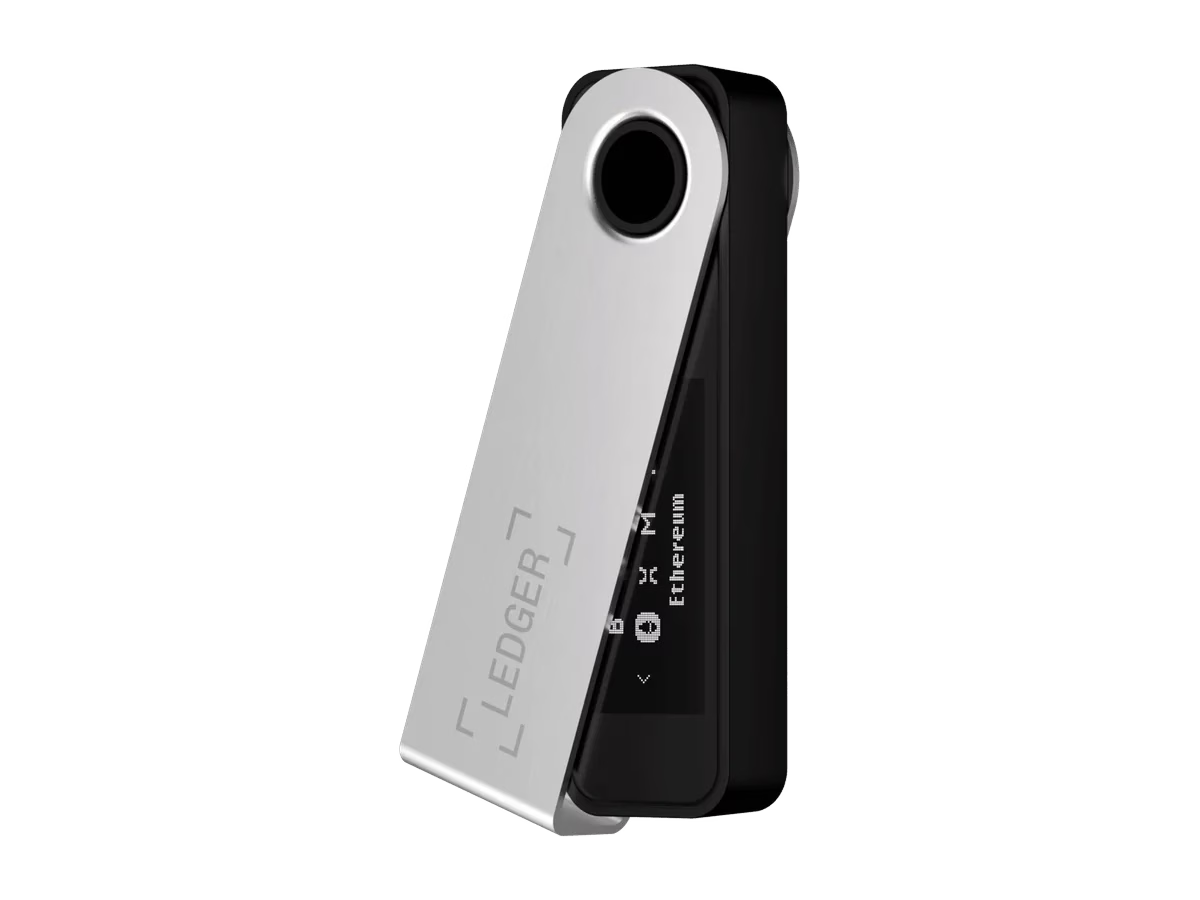
Verdict
A cheap, capable third key.
The least expensive device in this setup and a proper multisig signer since Bitcoin app 2.1. It can check addresses on its own screen once the wallet is registered. The closed-source code on its secure element is its weak point, which matters much less when it can never sign alone.
Key facts
| Screen | 1.1″ monochrome OLED, 128 × 64 |
| Secure element | ST33K1M5, CC EAL6+ certified |
| Firmware | Bitcoin app open source; secure element code closed |
| Connection | USB-C, no Bluetooth |
| Backup | 24 words |
| Multisig in Sparrow | Yes, with Bitcoin app 2.1 or newer |
In a multisig
Install the Bitcoin app through Ledger Wallet (the app that used to be called Ledger Live) and make sure it’s version 2.1 or newer. The first time you use the device with your multisig, Sparrow asks you to register the wallet. The Ledger shows the setup and the three keys; check each fingerprint against your notes before you confirm. Sparrow keeps that registration in its wallet file, so if you ever rebuild the wallet from the descriptor, you register again.
For a passphrase, the Ledger uses a second PIN: Settings → Security → Passphrase → Attach to PIN. Your normal PIN opens the plain wallet, the second PIN the passphrase wallet. Always use the second one with Sparrow.
Good
- Cheapest of the three
- Full multisig support including address checks
- Certified secure element
- USB-C, no wireless
Watch out
- Secure element runs closed-source code
- Small screen: long addresses need scrolling
- Ledger Recover is a paid add-on; don’t sign up for it
- Ledger’s apps push other coins and services
Skip Ledger Recover
Ledger offers a paid service that stores encrypted pieces of your seed with Ledger and two other companies. It’s off unless you subscribe, and for this setup you don’t want it: your backup is your own metal plate, and the whole point of self-custody is that nobody else holds a copy.
Why it’s fine as the third key
Closed code on the secure element means you have to trust Ledger more than the other two makers. In a single-key wallet that’s a real concern. In a 2-of-3 the Ledger can’t move anything alone, and an attacker would also need a key from Trezor or BitBox. That’s the point of using three makers.
Compare with
- Trezor Safe 5: colour touchscreen and open-source firmware; costs about twice as much.
- BitBox02: fully open source with reproducible builds.